What is MikroSlides?
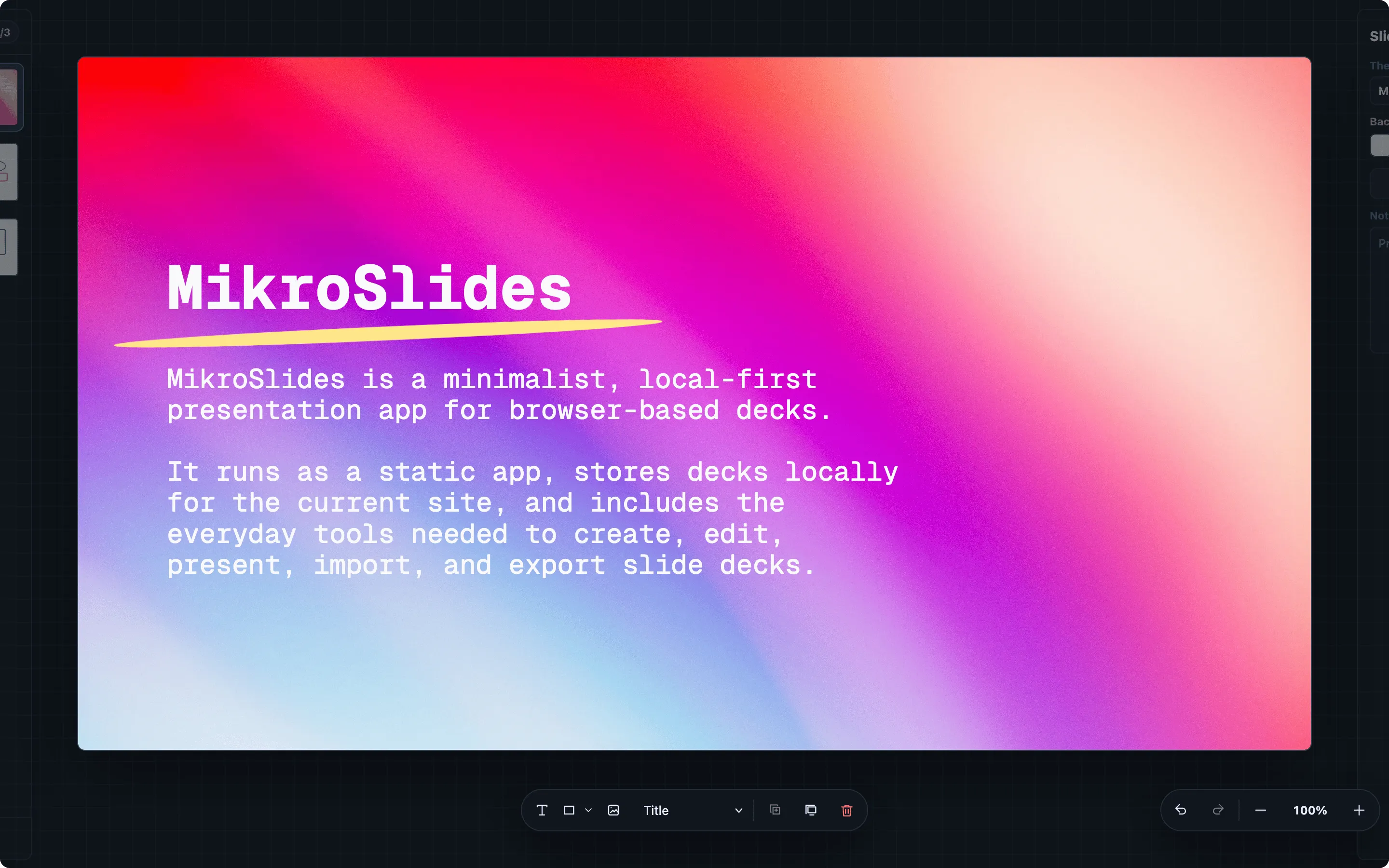
MikroSlides is a minimalist, local-first presentation app for browser-based decks. It runs in the browser, stores decks locally for the current site, and includes the everyday tools needed to create, edit, present, import, and export slide decks.
Decks live in browser IndexedDB by default. MikroSlides does not require an account, application server, or hosted file manager. You can move decks between browsers, machines, or deployments by exporting deck files.
What’s Included
Section titled “What’s Included”- Local deck library: decks are saved in your browser for the current browser profile and origin.
- Slide editor: create slides with text, shapes, images, speaker notes, aspect ratios, themes, and fonts.
- Slide rail: add, reorder, duplicate, copy, paste, delete, and skip slides.
- Object editing: select, move, resize, align, layer, duplicate, copy, paste, and delete objects.
- File flows: import Markdown deck sources and MikroSlides files; export JSON, portable
.mikroslides, PDF, and PNG. - Presentation mode: present from the browser with keyboard navigation and skipped-slide handling.
- Layouts and templates: use built-in layouts and save local templates.
How It Works
Section titled “How It Works”The app shell is static HTML, CSS, and JavaScript. When you deploy MikroSlides to a static host, the app loads from that host, and deck content stays in browser storage unless you choose an import, export, backup, or print action.
Who It Is For
Section titled “Who It Is For”MikroSlides is useful for a lot of typical cases, such as project updates, talks, lightweight reports, workshops, and also supports a format of decks that remain portable as files.
Get Started
Section titled “Get Started”To run your own copy, download the static release archive:
curl -sSL -o mikroslides.zip https://releases.mikrosuite.com/mikroslides_latest.zipunzip mikroslides.zip -d mikroslidesSee Installation for the local serving walkthrough.